
Who can see your profile: Public, Private or Secret
Choose how findable your family is, and what each setting shows.
Public
Anyone on WorldSchool can find you, view your profile and book with you, with no friend request needed. Your children, friends list, email and phone stay hidden from anyone who is not a connected friend.
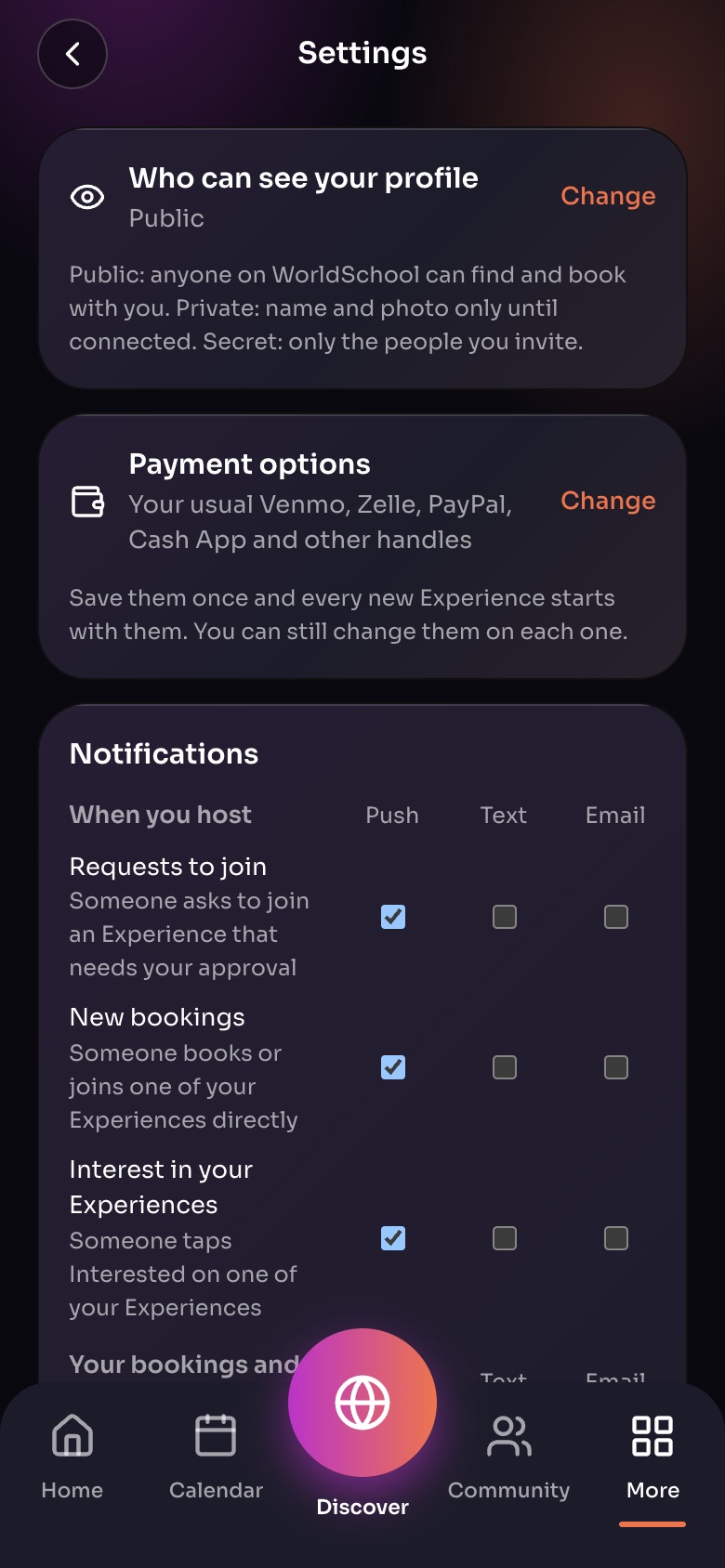
Settings (More, then Settings)
- Who can see your profilePublic, Private or Secret. Tap Change.
- Payment optionsYour Venmo, Zelle, PayPal and other handles, saved once.
- NotificationsPush, text or email for each kind of message.
Sample family shown. Your screen shows your own name, Experiences and groups.
Private
People can see your name and photo; everything else is for friends you accept. Someone who types your exact email, phone or @handle can still find you.
Secret
Nobody can find or see anything of yours unless you invite them. You are never shown in Discover or search, even by phone, email or handle. Your Experiences become Private or Secret.
Change it
Open your profile and change Who can see your profile. On the web: Settings › Who can see your profile › Change.
Still need help?
Send the team a request and a person will answer, usually within two working days.